# Introduction

**Views** in VoxelSpace are pre-configured visual compositions of multiple spatial datasets. They provide a fast, effective way for teams to explore, analyze, and share complex geospatial information.

A View can function as a **carefully curated scene**, set up by one team member for others to review and interact with. Alternatively, Views can be used as **temporary workspaces**—perfect for quick experimentation by combining different datasets on the fly.

<div align="center" class="MsoNormal" id="bkmrk-" style="text-align: center;">---

</div>**Accessing Views in a Project**

Each project contains a list of Views that are accessible via the **“Views”** tab in the Project Page.

[![image.png](https://help.mystart.com/uploads/images/gallery/2025-03/scaled-1680-/8n5image.png)](https://help.mystart.com/uploads/images/gallery/2025-03/8n5image.png)
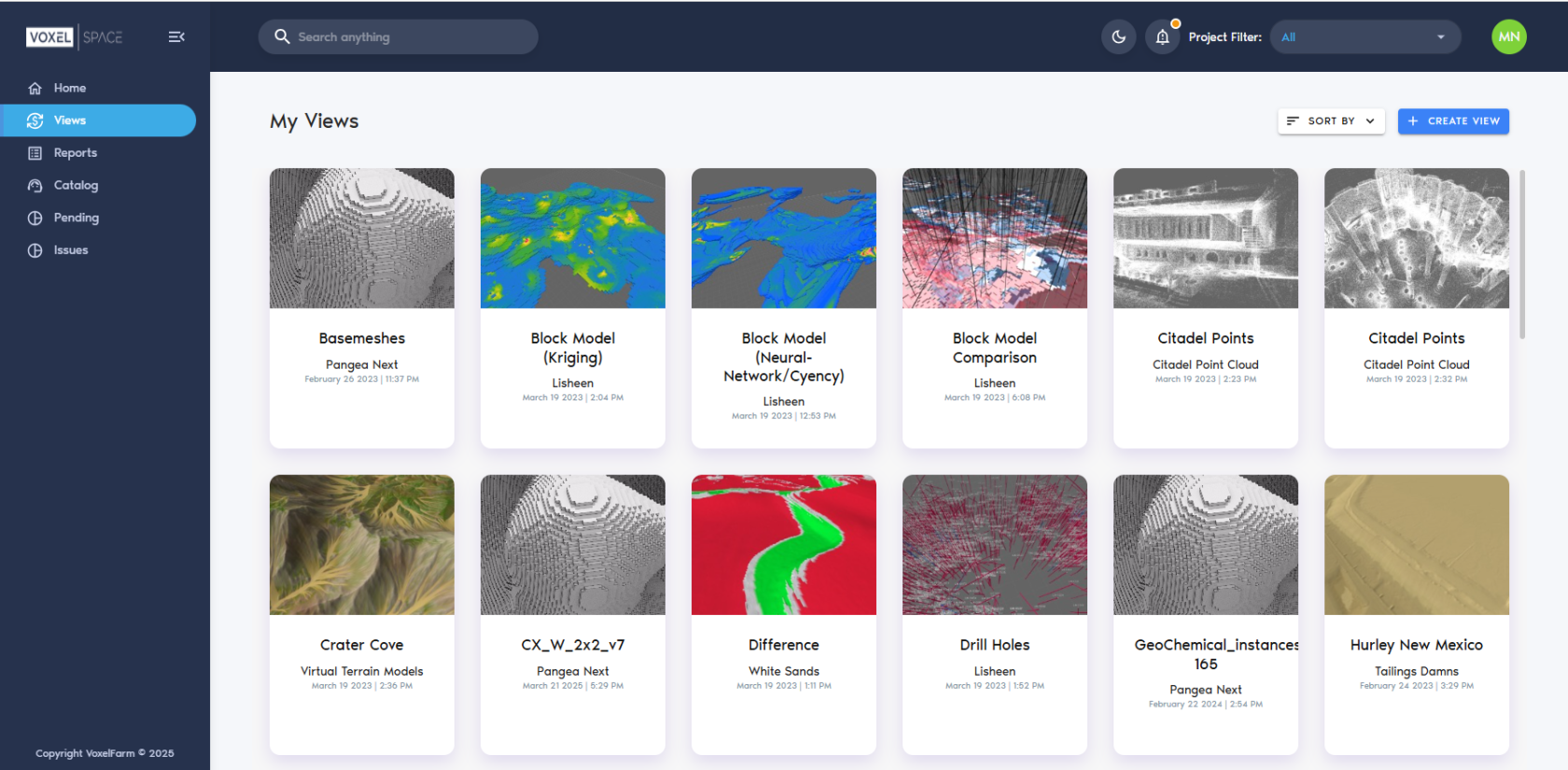
From this section, users can:

- Click on a **View card** to open an existing View
- Click the **“Add View”** button to create a new one

*(See the <span class="MsoHyperlink"><span style="mso-field-code: ' HYPERLINK ';">Creating a View</span></span> section for detailed instructions.)*

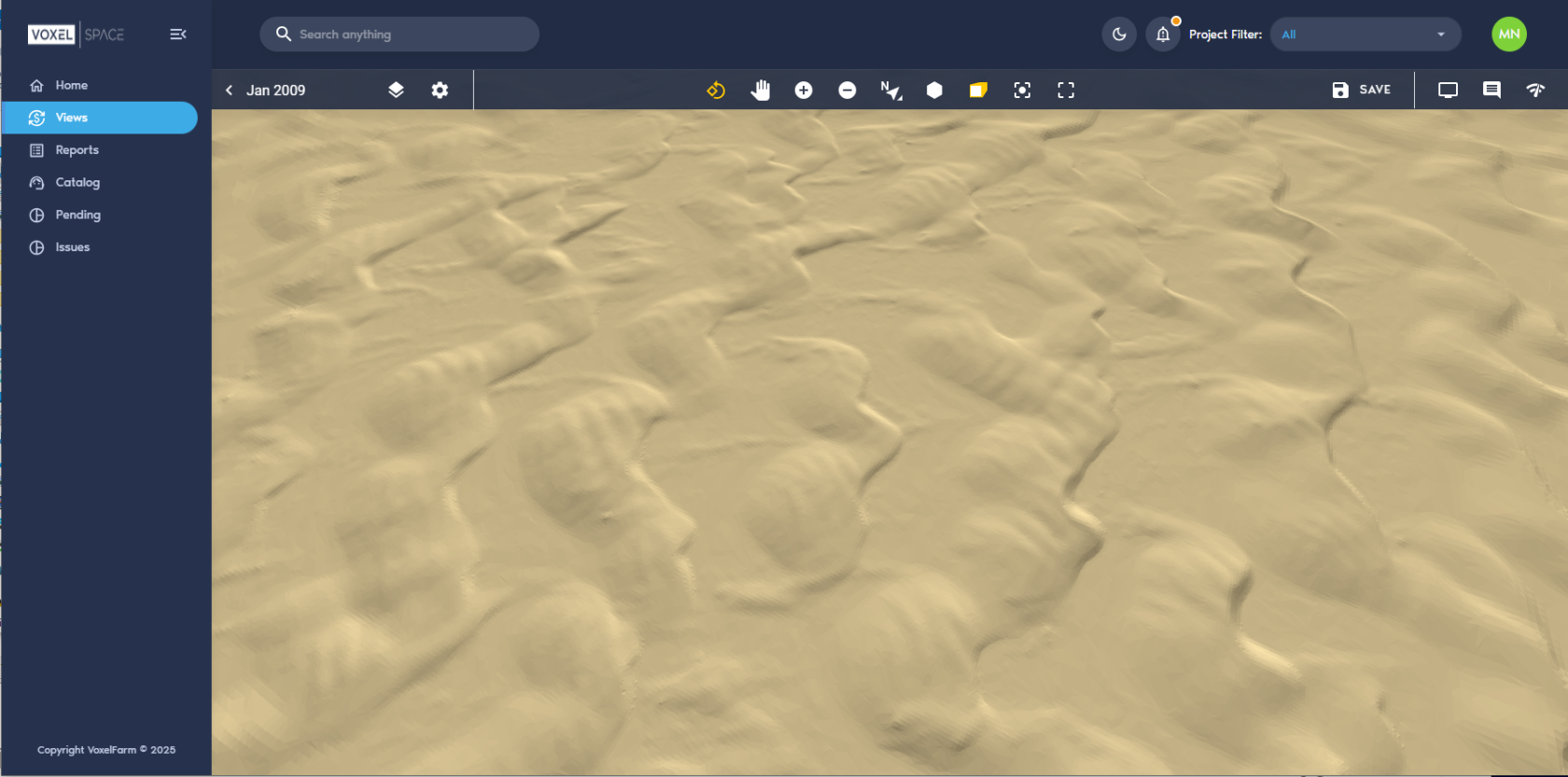
When a View is opened, it loads in VoxelSpace’s native **OpenGL viewer**, allowing full 3D interaction with the visualized data.

[![image.png](https://help.mystart.com/uploads/images/gallery/2025-03/scaled-1680-/hlnimage.png)](https://help.mystart.com/uploads/images/gallery/2025-03/hlnimage.png)
**Viewer Controls**

Use the following mouse controls to interact with the 3D scene:

<table border="0" cellpadding="0" class="MsoNormalTable" id="bkmrk-control-action-%C2%A0-lef" style="height: 112.781px; width: 69.2857%;"><thead><tr style="height: 36.5938px;"><td style="padding: 0.75pt; width: 32.5613%; height: 36.5938px;">**Control**

</td><td style="padding: 0.75pt; width: 67.4414%; height: 36.5938px;">**Action**

</td></tr></thead><tbody><tr style="height: 36.5938px;"><td style="padding: 0.75pt; width: 32.5613%; height: 36.5938px;">**Left Mouse Button**

</td><td style="padding: 0.75pt; width: 67.4414%; height: 36.5938px;">Rotate the camera around the focus point

</td></tr><tr style="height: 19.7969px;"><td style="padding: 0.75pt; width: 32.5613%; height: 19.7969px;">**Right Mouse Button**

</td><td style="padding: 0.75pt; width: 67.4414%; height: 19.7969px;">Pan the camera across the horizontal plane

</td></tr><tr style="height: 19.7969px;"><td style="padding: 0.75pt; width: 32.5613%; height: 19.7969px;">**Mouse Wheel**

</td><td style="padding: 0.75pt; width: 67.4414%; height: 19.7969px;">Zoom in and out

</td></tr></tbody></table>

<div class="rvps2" id="bkmrk-left-mouse-button-ro"></div>